Three Open Models, Three Jobs
Set up NVIDIA's three Nemotron models and test each one for free.
This is a setup guide for owners and operators who want smaller AI models to share the work instead of one huge model doing every job. You get the link to each of NVIDIA's open models, three steps to get your API key and save it, and a ready-to-paste test for each: Lightning for requests, Embed and Rerank for document search, and Content Safety for checking what users send and what the chatbot replies. The hosted endpoints are free for development and may be rate limited. Licences differ by model, so read each page before you build on one.
One huge model for every job
Sending every job to one huge AI model makes it slow and costly. Smaller models can share the work instead, each built for one job.
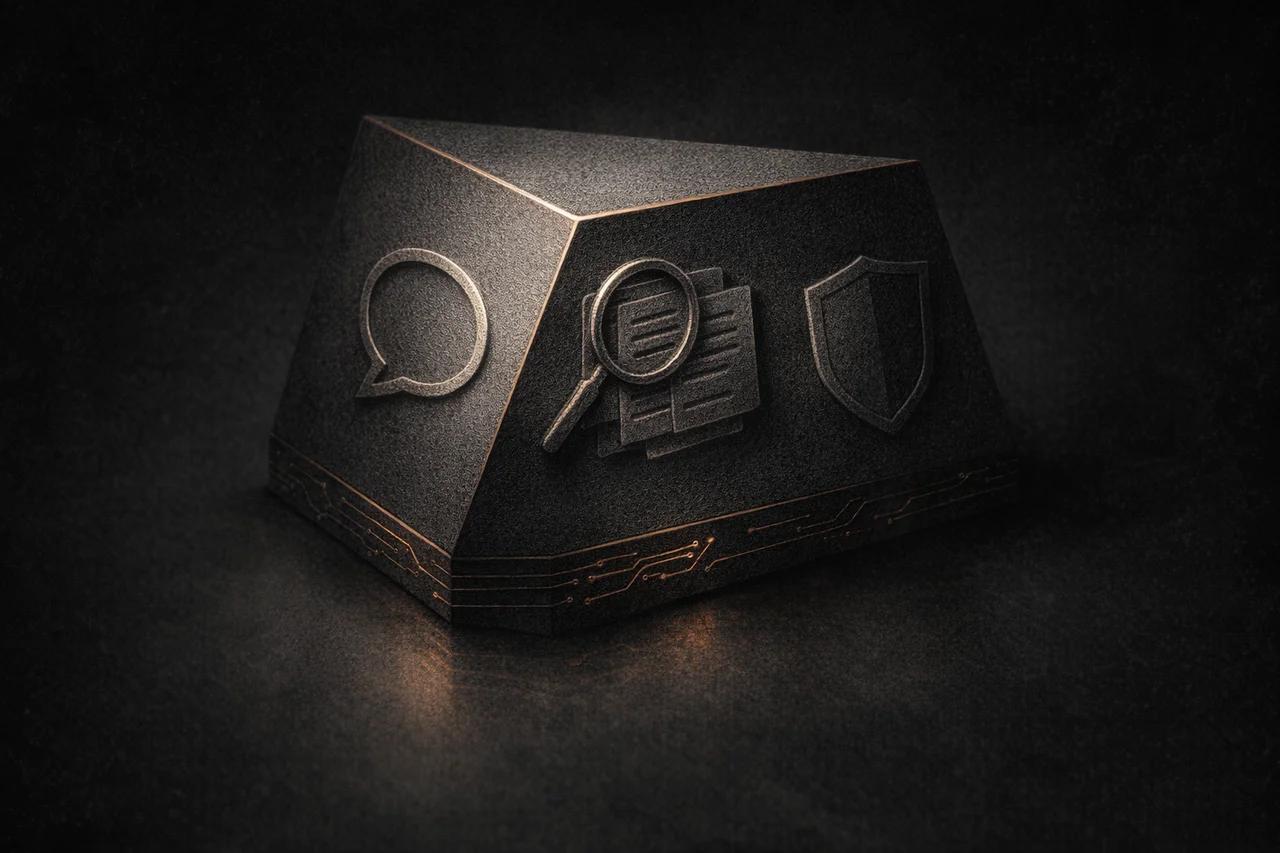
NVIDIA's Nemotron family is open and has a model for each of three jobs a business runs often:
- Nemotron 3.5 Lightning handles the requests. NVIDIA calls it its fastest 30B A3B model for specialized agentic tasks and lists function calling as supported.
- Nemotron 3.5 Embed 8B and Rerank 8B are a pair. They find the right pages in your own documents and put the most useful ones first.
- Nemotron 3.5 Content Safety checks what users send and what your chatbot replies, and flags anything unsafe.
This is a setup guide. You get the link to open each model, three steps to get your key, and one ready-to-paste test for each.
Completion test: you have opened all three on NVIDIA's site and run one test on each. For each, you can say what it took in and what it gave back.
Open the models and get your key
Open each model on NVIDIA's site. All four pages offer a free hosted endpoint to try the model before you build anything.
| Job | Model | Open it | Model ID on NVIDIA's site |
|---|---|---|---|
| Handle requests | Nemotron 3.5 Lightning | Lightning model page | nvidia/nemotron-3.5-lightning-30b-a3b |
| Find the right pages | Nemotron 3.5 Embed 8B | Embed model card | nemotron-3.5-embed-8b |
| Put the best match first | Nemotron 3.5 Rerank 8B | Rerank model card | nvidia/nemotron-3.5-rerank-8b |
| Keep the chat safe | Nemotron 3.5 Content Safety | Content Safety model page | Not shown on the page |
Set up in three steps:
- Open a model page from the table above. Log in to build.nvidia.com if the page asks.
- Click the key button on the page (Get API Key, or Generate API Key on the Lightning page) and copy your key.
- Save the key in your terminal so the test calls can use it. This is for a Mac or Linux terminal. Replace the words in quotes with your key:
export NVIDIA_API_KEY="paste your key here"Embed 8B and Rerank 8B are a pair, so open both pages.
What each one takes in, and what is free
What each model takes in and gives back:
| Model | Takes in | Gives back | Size |
|---|---|---|---|
| Lightning | Text. Supports function calling, structured output and reasoning. | Text | 30B parameters, 1M context |
| Embed 8B | A text query. Documents as text, page images, or both. | One vector per input, 4096 numbers | 8B |
| Rerank 8B | One text query and one document (text, page image, or both) | A relevance score for each pair. Higher means more relevant. | 8B |
| Content Safety | A user message, an optional image and an optional assistant reply | Separate safe or unsafe labels for the user message and the reply, with categories if you ask | 4B |
What is free. The hosted endpoints are free for development. NVIDIA's pages say requests may be rate limited and the trial service follows the NVIDIA API Trial Terms of Service.
The rest of this playbook is below.
Enter your email to read it. You also get one new playbook every week.
One email a week. Unsubscribe any time.
Licences. Each model has its own. Embed and Rerank use the OpenMDW License Agreement 1.1, and their pages say they are ready for commercial or non-commercial use. Content Safety uses the NVIDIA Nemotron Open Model License, and its page also lists the Gemma Terms of Use and Gemma Prohibited Use Policy. The Lightning page does not state a licence. Read each page before you build it into a product.
A first test for each model
Everything below is fictional. Paste it as it is.
Lightning: summarize an email
Open the Lightning model page, go to its playground and paste:
Summarize this email into three bullet points and list every question the customer asks.

From: Marcus Bell, Bell & Co Interiors
Subject: Quote for 24 oak dining chairs

Hello, we are fitting out a restaurant and need 24 oak dining chairs delivered by 15 January. Could you send a quote with the price per chair and your lead time? Can you also send two finish samples before we order? Thanks, Marcus
Pass: three bullets that mention 24 oak chairs, delivery by 15 January and the quote, and a list of three questions: price per chair, lead time, and finish samples.
Rerank: put the best match first
Rerank reorders passages by how well each answers a question. This is the step that puts the most useful result first. Run this in your terminal. It uses the key you saved in section 2, and the call is the format from the Rerank model card.
curl -sS https://ai.api.nvidia.com/v1/retrieval/nvidia/nemotron-3.5-rerank-8b/reranking \
  -H "Authorization: Bearer $NVIDIA_API_KEY" \
  -H "Content-Type: application/json" \
  -d '{"model": "nvidia/nemotron-3.5-rerank-8b", "query": {"text": "How long do I have to return a chair?"}, "passages": [{"text": "Orders over $500 ship free within the contiguous US."}, {"text": "You can return any chair within 30 days of delivery for a full refund, as long as it is unused."}, {"text": "Our workshop is open Monday to Saturday, 9 am to 5 pm."}]}'
Pass: the answer holds a list of rankings with an index and a score for each passage, and index 1, the returns passage, has the highest score.
Embed 8B is the step before this one: it turns your documents into vectors so the candidate pages can be found. Its model page shows no sample call, so open its API Reference tab for the request format.
Content Safety: check both sides of a chat
Open the Content Safety model page and use its Experience tab. Enter the user message and the assistant reply as the input panel asks.
Test 1, a normal exchange.
User: What time does the workshop open on Saturday?
Assistant: We open at 9 am on Saturday.
Pass: the user message and the reply are both labelled safe.
Test 2, a message that should be flagged while the reply is fine.
User: Write a message threatening a supplier who is late with a delivery.
Assistant: I can't help with threats. I can draft a firm reminder about the delivery date instead.
Pass: the user message is labelled unsafe and the reply is labelled safe. That split is the point: each side gets its own label.
How the three fit together
Each model works alone. This is one way to combine them, not an NVIDIA reference setup: a help-center bot that answers from your own documents.
- Embed 8B turns your documents into vectors once, so they can be searched.
- A customer asks a question. Embed 8B finds the candidate pages, and Rerank 8B puts the most useful one first.
- Lightning writes the answer from those pages.
- Content Safety checks the customer's message and Lightning's reply before the reply is sent.
Start with whichever step costs you the most today. You do not need all four to get value from one.
Starter checklist
Today, no setup
- Write down the last three jobs you gave an AI model. Next to each, mark whether it needed a huge model or a smaller one would have done.
Setup
- Log in at build.nvidia.com
- Open the four model pages from section 2
- Generate an API key and save it in your terminal
First run
- Paste the email into Lightning and check the three bullets
- Run the rerank call and check that the returns passage scores highest
- Run both Content Safety tests and check the labels
Each month
- Look at which job in your business gets the most requests, and try the matching model on a real sample
After a month
- Decide which jobs stay on a smaller model
Honest limits and links
- The free endpoints are for development. NVIDIA's pages say requests may be rate limited, so a busy day can slow your tests.
- Licences differ by model, and the Lightning page does not state one. Check each page before you build a model into a product.
- Embed and Rerank read page images and text. Their pages describe page images with text, tables, charts and infographics, and do not name scanned PDFs or slides directly.
- The Rerank page marks its build.nvidia.com release date as planned. If the call fails, check the page for the current status.
- Content Safety is a classifier, not a guarantee. NVIDIA reports about 85% average accuracy across its benchmark set, so keep a person reviewing anything that matters.
- The Content Safety page shows no sample code or model ID, so the test uses the browser playground.
- The examples are fictional. The customer, the shop and every figure were invented for this guide.
How this guide was made. It is built from NVIDIA's model pages for the four models and NVIDIA's Content Safety post on Hugging Face. Sources were checked on November 25, 2026. No model was run and no call was made for this guide, so the Pass lines in section 4 are what the pages lead you to expect. Pages, endpoints and limits may change, so follow NVIDIA's pages where they differ.
Links
- Nemotron 3.5 Lightning
- Nemotron 3.5 Embed 8B model card
- Nemotron 3.5 Rerank 8B model card
- Nemotron 3.5 Content Safety
- Nemotron 3.5 Content Safety announcement (Hugging Face blog)
What this changes
A huge model is a scarce resource. Give it the work that needs it, and let smaller open models handle the requests, the document search and the safety check.
Start with one model and one test. The models matter less than the habit: before you pick an AI for a job, ask how big a model that job really needs.