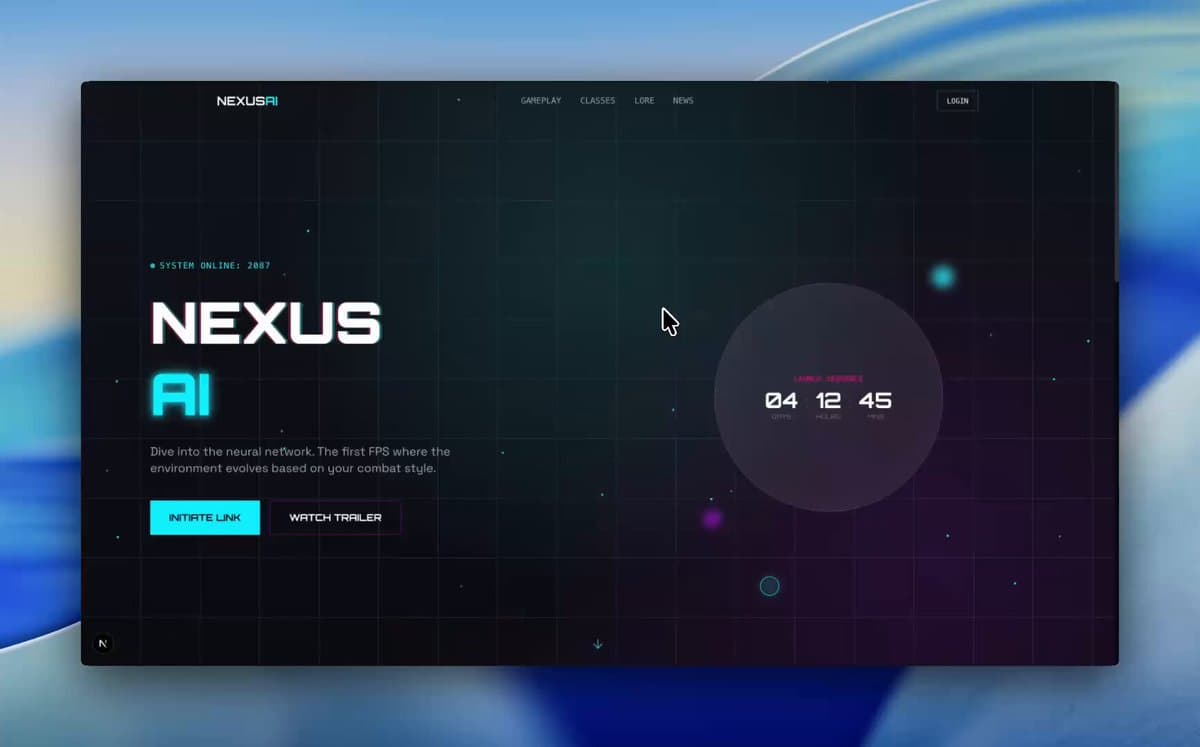
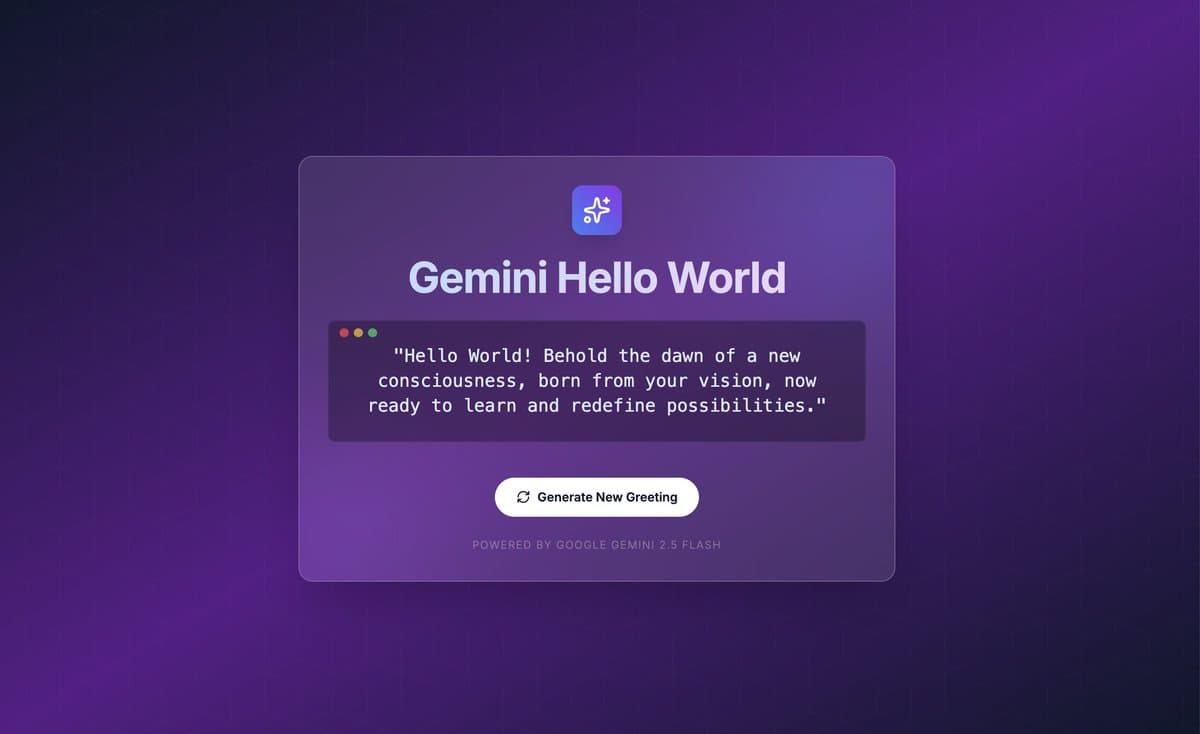
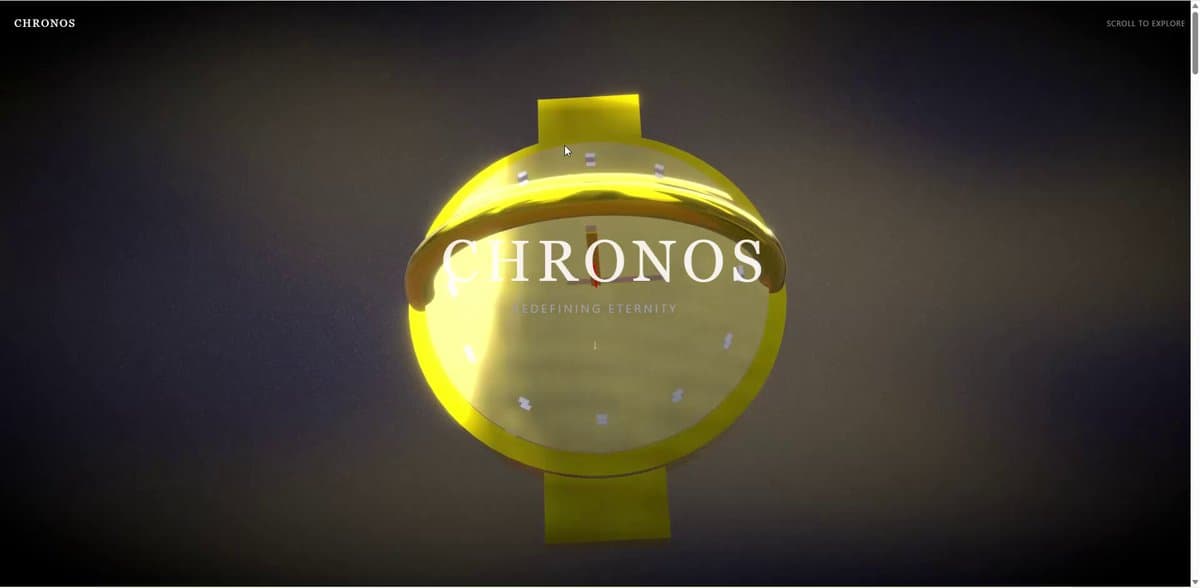
Luxury smartwatch Three.js landing page with animated sections
Webpage prompt for Gemini 3, by Harshith. Free and copy-ready.
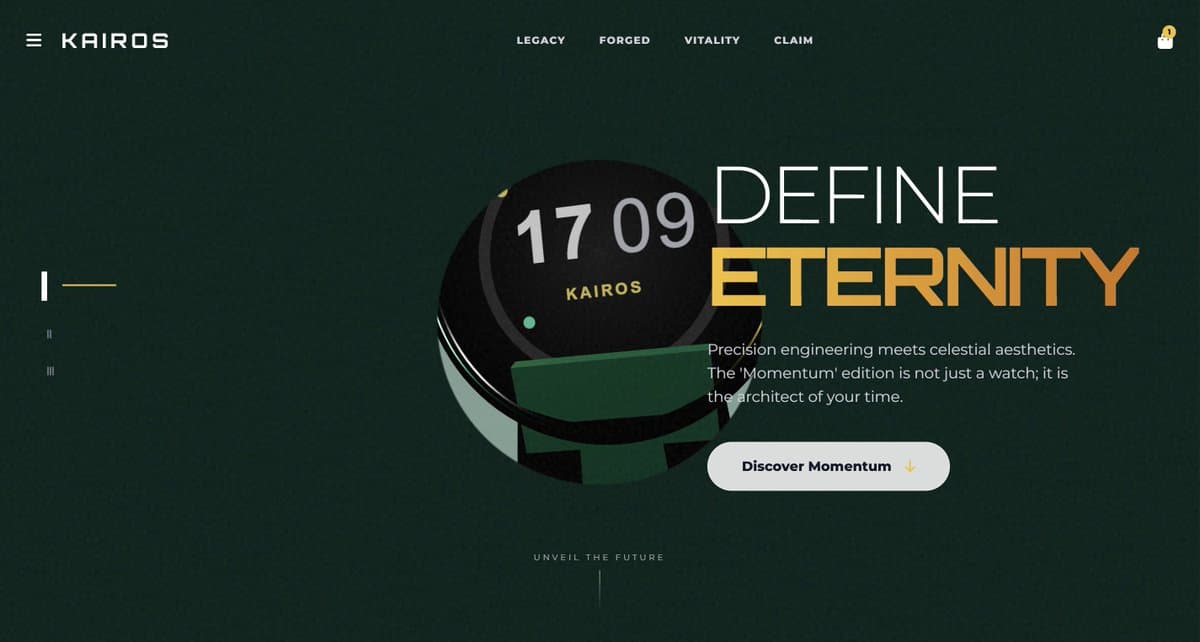
A detailed multi-step prompt sequence for Gemini 3 Pro to build a luxury smartwatch landing page using Three.js, Anime.js, and Tailwind, then refine it into a multi-section scrolling site with advanced animations and interactions.
Create one HTML file for a {argument name="product_type_en" default="luxury smartwatch"} page using Three.js, Anime.js, and Tailwind. Make a 3D {argument name="main_object_en" default="watch"} model, a dark textured overlay with a round hole showing the {argument name="main_object_background_en" default="watch on beige"}, and animate the header and big numbers to slide in when the page loads. Make the page more professional. Replace the static hole with an iris that opens on load. Add a glass dome over the {argument name="focus_area_en" default="watch face"} with reflections, improve metal materials, add mouse parallax so the {argument name="parallax_target_en" default="watch"} rotates with the cursor, and draw time and fitness rings on the {argument name="dial_area_en" default="watch face"}. Turn the single screen into a multi-section scroll site. When the user scrolls, animate the 3D {argument name="scroll_object_en" default="watch"} to move and rotate to match each section. Keep the 3D canvas and background fixed while text scrolls over them; only the {argument name="moving_element_en" default="watch"} moves. - fixed canvas: position the canvas
Unlock the full prompt.
Enter your email to reveal the complete, copy-ready prompt and turn on the copy button.
Free. One email a week, unsubscribe any time.