Manus Cloud Computer Guide
Always-On Agents, No Hosting Layer
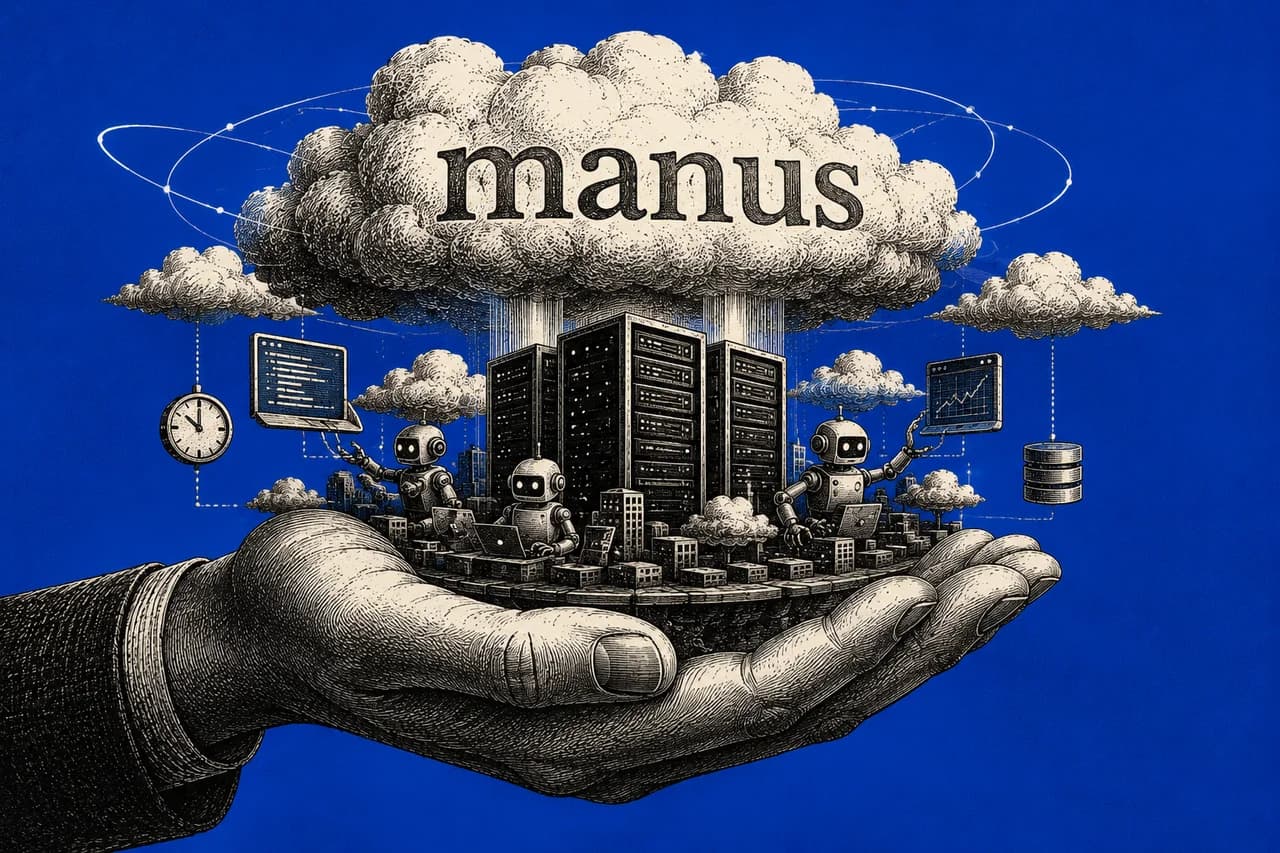
Manus shipped a new tier called Cloud Computer (launched May 1, 2026) that's the first real attempt at killing the hosting tax on AI agents. You describe a 24/7 task in plain English: Slack bot, scheduled scraper, persistent database, self-hosted WordPress, anything that needs to run continuously. Manus sets up the environment, manages uptime, keeps files between sessions. Three-minute setup, pay-as-you-go pricing. The bigger story isn't the feature. It's that the hosting layer has been the silent tax on every AI agent project for two years, and this is the first product that genuinely collapses it.
Every AI agent project I've ever run has had the same hidden cost.
It's not the model. It's not the prompts. It's not even the code. It's the part nobody puts in the demo videos: getting the thing to actually run reliably, 24/7, without you having to babysit it.
Server hosting. Configs. Environment variables. Cron jobs. Restart scripts. Monitoring. The two hours every week you spend checking whether it crashed. The hosting layer is the tax nobody talks about, and it eats 80% of the actual work of running an agent in production.
I ran OpenClaw for four months last year. The agent itself was solid. The hosting layer never stopped costing me time.
That's the context for understanding what Manus just shipped. On May 1, 2026, they launched Cloud Computer, a new tier inside Manus that collapses the agent and the hosting into one managed service. You describe what you want in plain English. Manus writes the code, sets up the environment, runs it 24/7, keeps the files between sessions. You stop being a sysadmin and go back to being the person who decides what gets built.
This is the install plus the five use cases I'm running on it right now plus the bigger lesson hidden underneath.
Quick orientation: Manus has three environments
This trips up most people. Manus isn't just one product. It's three different environments built for different kinds of work:
- Standard Sandbox. Temporary cloud environment that spins up for a task and disappears when the session ends. This is what runs when you ask Manus to do a one-off job (research a topic, generate a slide deck, scrape a single page). Free and paid plans both get this. It's the default.
- Manus Desktop. Runs on your local machine. Use this when the task involves files or apps on your actual computer (cleaning up your downloads folder, pulling data from a local Excel file, anything that needs access to your filesystem).
- Cloud Computer. The new one. The only environment that runs always-on. This is what hosts bots, runs scheduled jobs, keeps a searchable file system across tasks, and survives between sessions. This is the entire unlock.
You don't have to pick manually most of the time. Manus suggests Cloud Computer automatically when your task needs uptime or persistence. But it's worth understanding the distinction so you know when to spin one up yourself.
Setup in 3 minutes
- Go to manus.im and sign in (or sign up)
- Settings → My Computer → Create Cloud Computer
- Pick a plan tier: Basic (simple Python scripts), Standard (active websites and APIs), or Advanced (team databases)
- Choose your location and storage
- Once running, monitor CPU, memory, and storage from the dashboard
The rest of this playbook is below.
Enter your email to read it. You also get one new playbook every week.
One email a week. Unsubscribe any time.
Honest cost note: Manus uses a credit-based system across all plans. The Free tier (\$0/month) gives you 300 daily refresh credits, enough to test the workflow. Paid plans run \$20/month (4,000 credits), \$40/month (8,000 credits), or \$200/month (40,000 credits). One thing to know: credits get consumed during active task processing, so a 24/7 bot that's mostly idle costs less than a heavy scraper running all day. Test on the free tier first, scale up based on what you actually use.
Five use cases I'm running
These are prompts you can drop into Manus directly. Each one assumes you've spun up a Cloud Computer.
Slack bot for daily news summary
"I want to build a Slack bot that summarizes daily news for my team. Use the Manus API for the summarization, and walk me through connecting my Slack credentials step by step so it can run 24/7."
The bot lives on Cloud Computer, posts to Slack on a schedule, and never goes down. You set it up once.
Persistent sales database (replaces a spreadsheet workflow)
"Create a MySQL database to track our weekly sales data. Every Friday at 5 PM, read the new CSV I upload, update the database, and generate a trend report based on all historical data stored here."
This is the use case that makes Cloud Computer different from Sandbox. The database persists. The history accumulates. You're not rebuilding your data layer every session.
Scheduled competitor scraper
"Write a Python scraper that checks [competitor website] for pricing changes every morning at 4:00 AM. Save the results to a spreadsheet and highlight any price drops."
Runs while you sleep. Logs every change. Replaces the manual "check the competitor's site once a week" workflow that never actually happens.
Self-hosted Home Assistant for smart home
"I want to self-host Home Assistant. Install it, configure the basic setup, and give me the URL so I can manage my smart home devices remotely."
Replaces paid smart home services. Once running, you control everything from your own infrastructure, no monthly subscription fees, no third-party cloud dependencies.
Self-hosted coding assistant for cleanup work
"Set up an open-source coding assistant on my Cloud Computer and use it to help me clean up the Python scripts I'll upload next. Walk me through the results in plain English."
The Cloud Computer becomes your persistent dev environment. Your scripts, your config, your tools, all in one place. No setup tax every time you want to work on something.
What you can self-host on Cloud Computer
If you've ever paid for a SaaS tool that has an open-source version, you can probably self-host it on Cloud Computer:
- WordPress (blog or website)
- Metabase (analytics dashboard)
- Odoo (operations and ERP)
- Plausible (privacy-first web analytics)
- Home Assistant (smart home)
Manus handles the install, configuration, and ongoing hosting. You describe what you want, it sets up the environment.
This is where the hosting-tax lesson lands hardest. Most people don't self-host the open-source alternatives to the SaaS tools they're paying for because the setup and maintenance burden is too high. Cloud Computer takes that burden to near-zero. The economic case for self-hosting just got radically better.
Tips from running this
- Cloud Computer doesn't replace the others. It extends them. Most one-off tasks should still run in the regular Sandbox. Only spin up Cloud Computer when you genuinely need always-on or persistent files.
- Files stay between sessions. Unlike a regular Manus chat (which wipes after each task), Cloud Computer keeps your files, your installed tools, your databases, everything. This is the persistence layer that makes it different.
- Plan tier matters. Basic is fine for one or two simple bots. If you're running a database your team hits regularly, jump to Standard or Advanced. Don't under-provision and then wonder why it's slow.
- The Cloud Computer pauses briefly when you upgrade plans. Schedule plan changes outside business hours if you have customer-facing bots running.
- Free trial is enough to test the workflow. You'll know in an afternoon whether this is the right tool for your use case before you commit to a paid plan.
- It's still credit-based. Manus's credit system is the single biggest source of cost surprise across all their tiers. A heavy 24/7 workflow can burn through credits faster than you'd expect. Monitor your usage in the first week before you scale up reliance.
Why this matters more than it looks
This is the part most reviews miss.
For the last two years, every AI agent product has been pitched the same way: "build an agent in plain English, deploy in minutes." The pitch was technically true. What wasn't said out loud is that once your agent existed, you still had to run it somewhere. Server. Hosting. Uptime monitoring. Restart scripts. The 80% of the work that nobody mentions.
This is why most people's AI projects die in week three. The agent works. The hosting doesn't.
Cloud Computer is one of the first products that seriously addresses this. Not perfectly. The credit system is annoying. The pricing isn't always predictable. The whole platform now sits inside Meta after the December 2025 acquisition, which means data and roadmap risk if you're sensitive to those things. But the architectural move (collapse the agent and the hosting into one managed service) is exactly what the next generation of AI infrastructure looks like.
For anyone who's been wrestling with the hosting layer, this is the cleanest path I've seen. For anyone who hasn't yet (because they were scared of the hosting layer), this lowers the barrier to actually shipping something that runs.
I'm not saying drop everything and migrate. If you're already running your own stack well and don't need always-on hosted infrastructure, stay where you are. But if you've been thinking about a 24/7 bot, a scheduled automation, or a self-hosted alternative to one of your SaaS subscriptions, this is the tool to test it with this weekend.
The hosting tax used to be the bottleneck. It just got cheap.