Claude + NotebookLM
Your Personal 24/7 Research Analyst
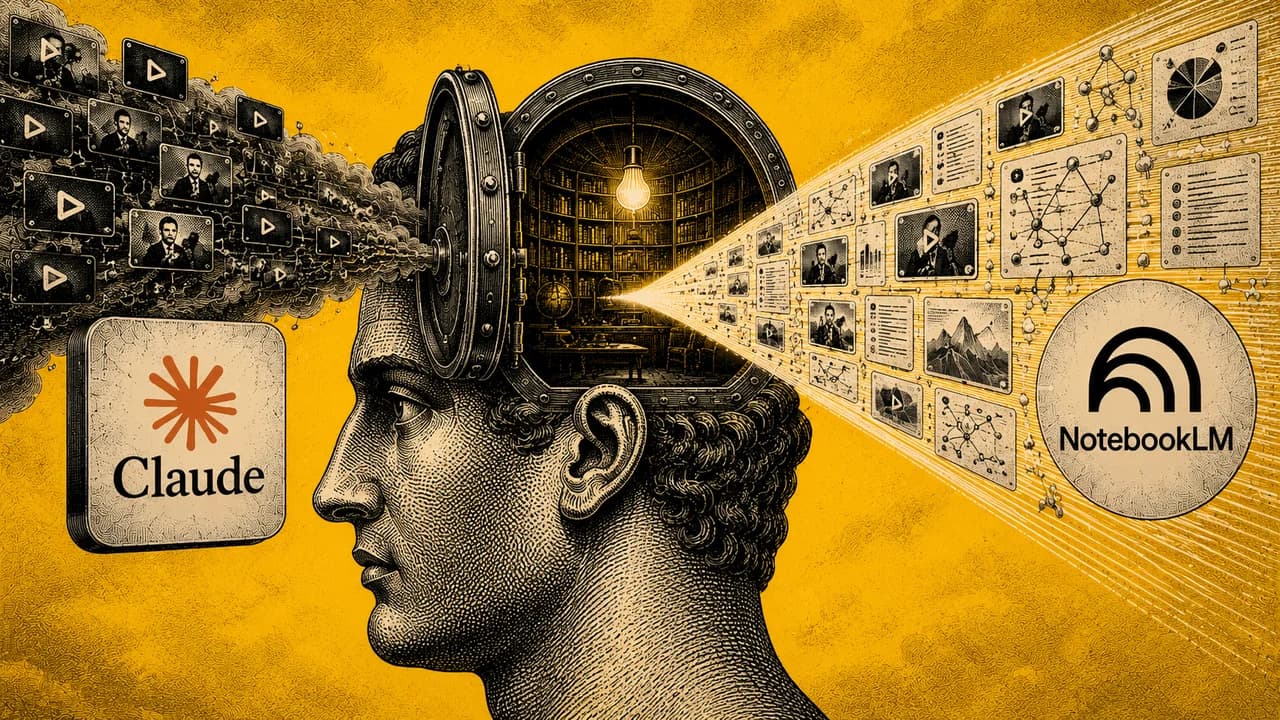
This is the setup for connecting Claude Code to NotebookLM through a single install prompt. After install, you give Claude a topic, it pulls 25 YouTube videos, NotebookLM synthesizes them into a research brief, summary, or infographic. About 10 minutes from prompt to output. I use it to compress 50+ hours of podcasts from people like Huberman, Bryan Johnson, and Peter Attia into the specific answer I'm looking for. "What do these five experts actually say about high cholesterol?" One prompt, one answer, no rabbit hole. The learning curve on any topic collapses from weeks to an afternoon.
Learning anything serious used to be a time investment problem.
For example, if I wanted to understand a complex health topic, the path was: find the three or four people who actually know what they're talking about, then watch every podcast they've done on the subject. Five hours of Huberman. Three hours of Bryan Johnson. Four hours of Peter Attia. By the time you've consumed it all, a week has passed and you still have to compare what each one said and figure out where they agree, where they disagree, and what to actually do.
This pipeline collapses that into one prompt.
You give Claude Code a topic. It pulls 25 of the most relevant YouTube videos. NotebookLM ingests all of them at once and synthesizes the actual answers. Ten minutes from "I want to learn about this" to a research brief built on 50+ hours of expert content.
The use cases are endless. Market research, competitive intelligence, learning a new domain before a meeting, studying for a project, prepping a piece of content, going deep on a health question, understanding a technical topic before you decide whether to invest in it. Anything that used to require weeks of self-education now takes an afternoon.
This is the setup, the workflow, and the use case that changed how I learn.
What you'll need first
Two things before you start:
- Claude Code with a Pro or Max subscription. Download at claude.ai/download. Free plan won't work, you need Pro ($20/mo) or Max. Claude Code handles the rest of the install, including Python, so you don't need to set anything else up beforehand.
- A Google account with NotebookLM access. NotebookLM is free at notebooklm.google.com. Sign in once to confirm your account works before running the setup.
That's it. The whole stack runs on one paid Claude Code plan plus a free Google account.
What this actually installs
There's no pre-made "yt-research skill" you download from a store. The install prompt below tells Claude Code to build the skill on the fly, using two open-source libraries as the foundation:
- yt-dlp is the open-source library that scrapes YouTube data (titles, views, URLs, channel info). Repo: github.com/yt-dlp/yt-dlp. Claude Code wraps this into a custom skill it stores in your local Claude Code skills folder.
- notebooklm-py is an unofficial Python wrapper for NotebookLM built by Teng Lin (github.com/teng-lin/notebooklm-py). This is what lets Claude Code create notebooks, upload sources, and request analysis from NotebookLM without you ever opening the browser.
When you paste the install prompt into Claude Code, it pulls both libraries, writes the Python glue code, and registers the result as two skills it can call: yt-research and notebooklm. After install, you talk to these skills in plain English.
One thing worth knowing. notebooklm-py is unofficial. Google hasn't blessed it, hasn't shipped a public API, and could change the underlying interface at any point and break this pipeline. That's the trade-off for getting programmatic access to a Google product that doesn't officially offer it. It works today. It might not work next quarter. If that risk matters to you, this pipeline isn't the right fit.
The rest of this playbook is below.
Enter your email to read it. You also get one new playbook every week.
One email a week. Unsubscribe any time.
Step 1. Paste this into Claude Code
This one prompt builds the YouTube research skill, installs NotebookLM-PY, and wires everything together. No other files needed.
Setup Prompt → Claude Code
I want to set up an automated research pipeline connecting Claude Code to NotebookLM. Please perform the following steps and I will 'accept' all your proposed changes:

1. Build a YouTube Research Skill: Create a custom Python-based skill using the yt-dlp dependency. This skill should be able to scrape YouTube metadata, including video titles, views, author, duration, and URLs based on a search query.

2. Integrate NotebookLM-PY: I want to use the unofficial Python API for NotebookLM created by Teng Lin. You can find the repository and installation instructions here: https://github.com/teng-lin/notebooklm-py. Please install the necessary packages and set up a skill that allows you to:
   • Create new notebooks
   • Upload YouTube URLs as sources
   • Request analysis and deliverables like infographics, slide decks, and flashcards

3. Guide me through Authentication: Once the tools are installed, remind me to open a separate terminal window to run the notebooklm login command so I can authenticate with my Google account.

4. Confirm Readiness: Once everything is installed and the skills are recognized, let me know you are ready for a test run.

The goal is that once this is finished, I should be able to give you a single command like this:

"Use the yt-research skill to find the 25 latest trending videos on [YOUR TOPIC]. Once we have those videos, send them over to NotebookLM using the notebooklm skill. Give me its analysis on the top findings, then have NotebookLM create an infographic in a handwritten / chalkboard style depicting that analysis."

Important: If I give you the research command without specifying a topic, ask me what topic I want to research before proceeding.
What happens next
- Say yes to everything. Claude Code starts writing the Python scripts and creating the skills. When it asks permission to run commands or install packages, hit Y or Enter. If Python isn't installed yet, Claude Code handles that too. Just keep accepting.
- The login step (read carefully). When Claude tells you to authenticate with NotebookLM, open a completely separate terminal window. This has nothing to do with Claude. Don't type anything Claude-related in it. Just open a fresh terminal and run:
notebooklm loginMac: press Cmd+Space, type Terminal, hit Enter. Windows: press Win+R, type cmd, hit Enter. A browser opens, log in with your Google account, done. Close that terminal and go back to Claude Code.
- Claude confirms it's ready. Claude Code tells you the skills are installed and recognized. It will ask what topic you want to research, or you can jump straight to a test prompt.
Step 2. Run your first research command
Once setup is confirmed, give Claude Code a command like this. Swap in your topic.
Research Command → Claude Code
Use the yt-research skill to find the 25 latest trending videos on [YOUR TOPIC]. Once we have those videos, send them over to NotebookLM using the notebooklm skill. Give me its analysis on the top findings, then have NotebookLM create an infographic in a handwritten / chalkboard style depicting that analysis.Ten minutes later you have your research brief and a visual summary, both built from 25 expert sources.
The use case that changed how I learn
This is what I actually use this for. It's worth walking through because once you see the pattern, the applications across your own work and life are obvious.
Take a health question I actually had: is high cholesterol something to worry about?
The traditional approach: read 10 articles online, get confused by conflicting takes, watch a few podcast episodes from people I trust, take notes, compare. Probably 8 to 10 hours over a weekend. End up with more questions than I started with.
With this pipeline, the prompt is:
Use yt-research to find the latest videos on cholesterol from Andrew Huberman, Bryan Johnson, Peter Attia, Rhonda Patrick, and Mark Hyman. Send them to NotebookLM. Give me a synthesized brief on: (1) is high cholesterol actually dangerous, (2) where do these experts agree, (3) where do they disagree, (4) what specific protocols do they each recommend, (5) what peptides or supplements do they recommend or warn against. Then create an infographic summarizing the consensus and the disagreements.Ten minutes later I have a research brief built on hours of content from people who actually know what they're talking about. Not a Google summary. Not a generic AI answer. The actual synthesized opinions of the specific experts I trust on this topic.
The pattern works for anything:
- Health and longevity: any protocol, supplement, or condition, pulled from your trusted experts
- Business and operations: how do the top creators in [niche] structure their content, what tools do they use, where do they disagree about strategy
- Investing: what are the bear and bull cases for [theme] according to the analysts you respect
- Learning a new domain: absorb a year of conference talks on a topic in one afternoon
- Content research: scan everything that's been said about a topic before you create your own piece
- Decision-making: when you need expert input but don't know anyone you can call, this is the next best thing
The shift isn't that you can find information faster. You always could. The shift is that you can hear from five trusted experts on a specific question, get their actual positions side by side, and act on the synthesis. That used to be the job of a research analyst.
If something goes wrong
- Browser doesn't open on login: Make sure you ran
notebooklm loginin a fresh terminal, not inside Claude Code, and not in the same window you're using for anything else. - Install fails: Tell Claude Code exactly what error you see. It will diagnose and fix it. Just paste the error message back and keep accepting.
- The skills aren't building correctly: Tell Claude Code to verify it has
yt-dlpandnotebooklm-pyinstalled by runningpip show yt-dlp notebooklm-pyin your terminal. If either is missing, ask Claude Code to install them and rebuild the skills. - Skills not recognized after setup: Ask Claude Code: "Can you verify the yt-research and notebooklm skills are installed and show me how to use them?"
- NotebookLM rate limit: Google caps how many artifacts you can generate. If an infographic fails, wait 5 minutes and try again.
Why this matters more than it looks
Everyone I know has a stack of "I should really go deep on this" topics they never get to. New supplement they want to evaluate. A market they're considering entering. A skill they want to learn. A health protocol they keep hearing about. The reason these stay on the list is the time cost. Going deep on anything used to mean a week of evenings, and you don't have a week of evenings.
This pipeline changes the equation. Going deep on a topic now costs you 10 minutes plus an afternoon of reading the output. That's a 50x compression on the time cost of learning anything.
If you scale that across a year, the difference is enormous. You go from learning seriously about 4-5 topics a year to learning seriously about 50-60. The compounding on that is hard to overstate. The people who figure this out first are going to know more, decide better, and move faster than people who don't.
This is one of the highest-leverage workflows I've added to my stack this year. Set it up once. Use it forever.