Vault/Video/Seedance 2.0/📖HOW TO TURN ONE CHATGPT IMAGE 2 CHARACTER INTO A
Video Prompt

📖HOW TO TURN ONE CHATGPT IMAGE 2 CHARACTER INTO A

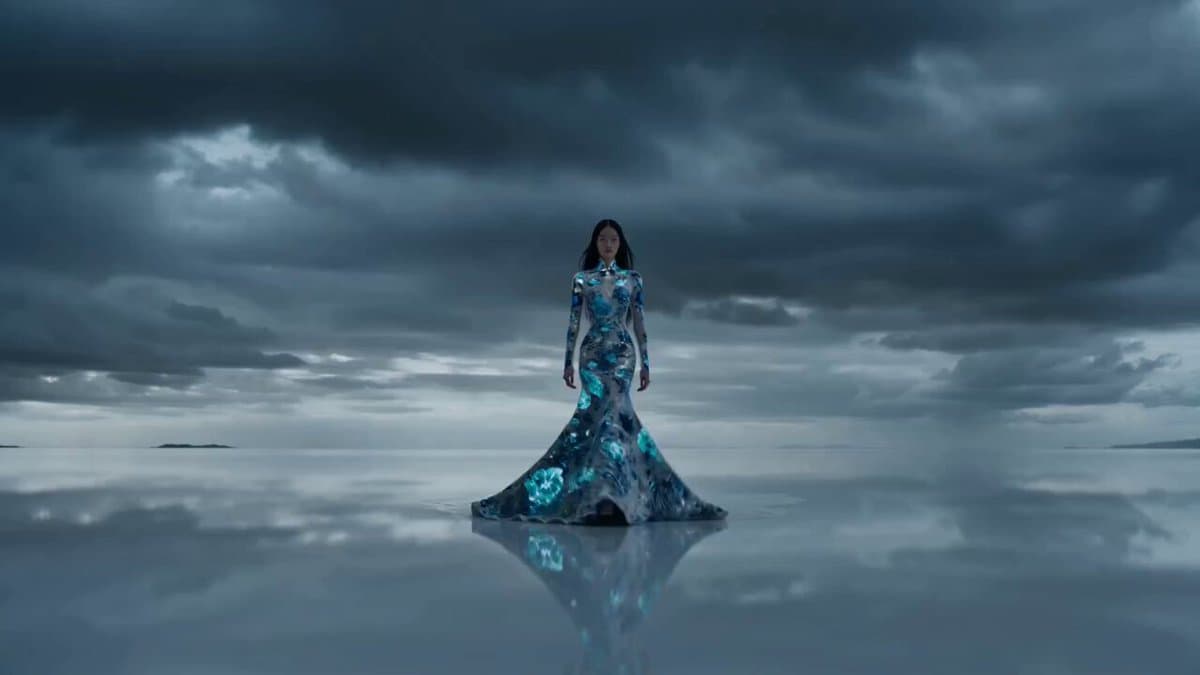
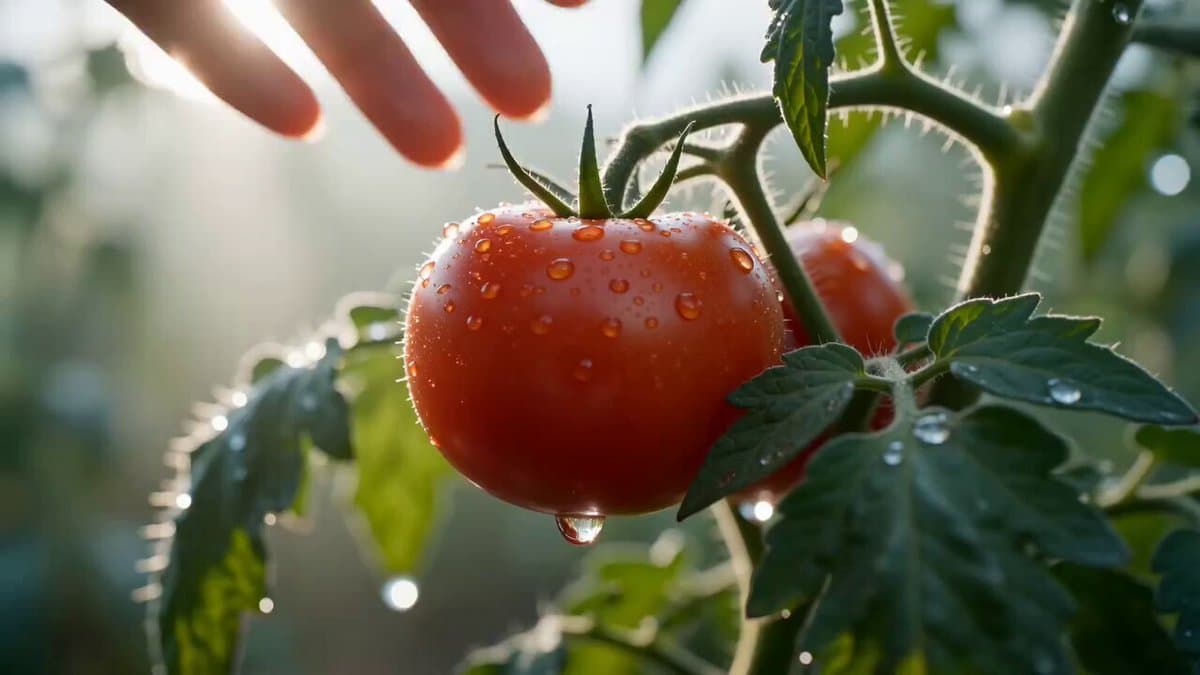
▸ Example OutputSeedance 2.0
What This Prompt Does

"A person walking." Prompt: "Low-angle tracking shot, 35mm lens, cinematic lighting, shallow depth of field." 4. Build every keyframe before opening Seedance. The more visual references you create in ChatGPT Image 2, the

The Full Prompt
"A person walking." Prompt: "Low-angle tracking shot, 35mm lens, cinematic lighting, shallow depth of field." 4. Build every keyframe before opening Seedance. The more visual references you create in ChatGPT Image 2, the more consistent your animations become. 5. Animate short clips. Instead of creating one long scene: Create: • 5-second shot • 5-second shot • 5-second shot Then stitch them together. This gives you more control over pacing and story flow. 6. Use transition shots. The secret to seamless edits: Generate bridge scenes between major actions. Seedance handles transitions much better when visual continuity already exists. 7. Add sound last. Most people underestimate audio. A simple combination of: • Ambient sounds • Sound effects • Background music Can make an AI video feel 10x more cinematic. The biggest mistake creators make is thinking AI video is prompting. It's not. AI video is production design. ChatGPT Image 2 creates the character universe. Seedance 2.0 turns it into a movie. 📥Tomorrow I will show something so obvious in hindsight that you will wonder why nobody said it sooner. 🔖The pinned article below covers every step — bookmark it for your next session.
Unlock the full prompt
Enter your email to reveal the complete copy-ready prompt and unlock the copy button. Free. Roster access.
2,847 OPERATORS ON ROSTER · NO SPAM

More like this

SAME MODEL · SEEDANCE 2.0
📖HOW TO TURN ONE CHATGPT IMAGE 2 CHARACTER INTO A - Prompt Vault · Steve Tan