Android Becomes An Agent
Google's Gemini Intelligence Decoded
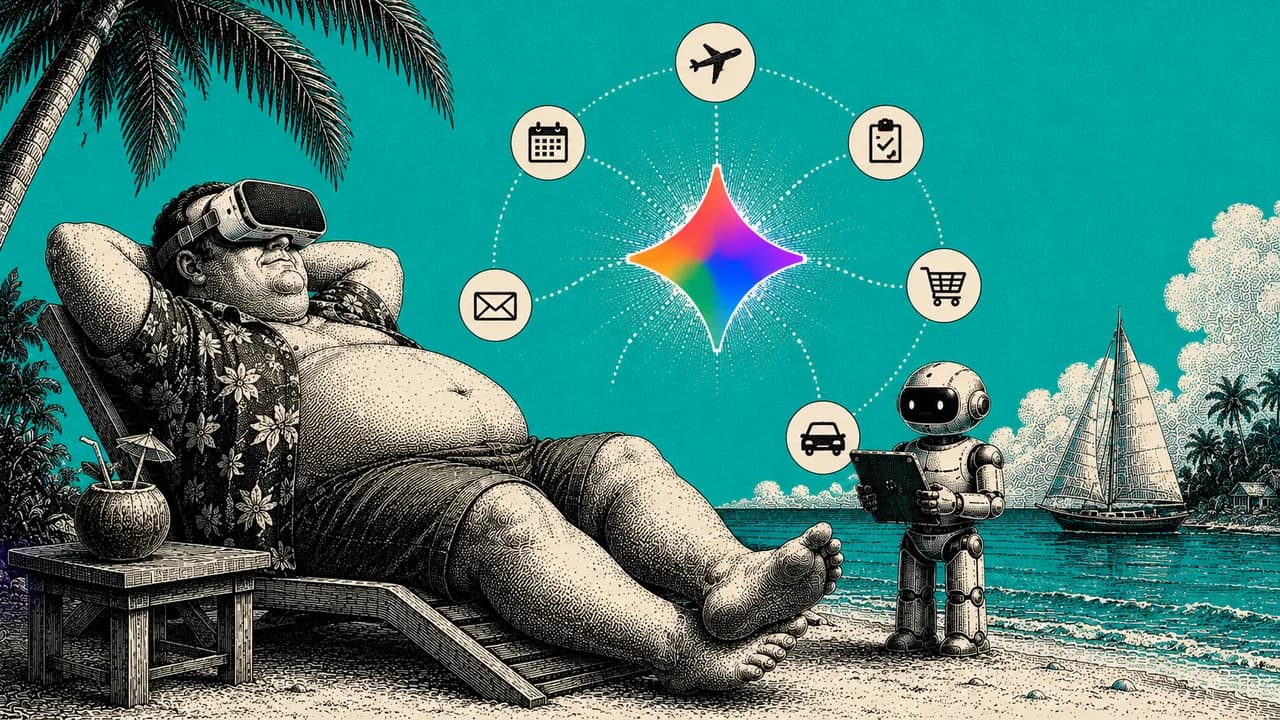
On May 12, 2026, Google announced Gemini Intelligence at the Android Show. The line that matters is buried in the first paragraph of their press release: "Android transitions from an operating system into an intelligence system." That's the whole story. Six features that turn your phone from a tool you operate into one that operates for you. Multi-step automation, screen-context awareness, Chrome auto-browse, intelligent autofill, voice cleanup, and a generative UI widget builder. Rolls out in waves starting summer 2026 on the latest Samsung Galaxy and Pixel devices. The piece nobody is covering: when 4 billion phones get an agent, every business gets a new customer. The agent. And most businesses are still built like agents don't exist. The 18-month runway is right now.
Two days ago at the Android Show, Google announced something they're calling Gemini Intelligence. Most coverage focused on the feature list. The line that actually matters is buried in the first paragraph of the press release:
"Android transitions from an operating system into an intelligence system."
That is not a marketing line. That is the whole story. Your phone is going from a tool you operate to a system that operates for you.
I want to spend a minute on this because most of the coverage I've seen is doing what tech journalism always does with announcements like this. Listing the features, comparing them to Apple's roadmap, projecting Android share gains. That's the comfortable read. The uncomfortable read, and the one operators should care about, is what happens when 4 billion phones suddenly come with an agent in the operating system layer.
Here's what was actually announced, what it does, and the part nobody is talking about: what it means for anyone running a business.
First, the timeline
This was announced, not shipped. Features roll out in waves starting summer 2026 on the latest Samsung Galaxy and Google Pixel phones. Gemini in Chrome starts late June. Everything else (watch, car, glasses, laptops) lands later in 2026.
So you have a runway. The people who use that runway to prepare will be ahead of the ones who wait for it to land.
What Google actually announced
Six features. I'll walk them in the order Google presented them, but pay attention to the pattern across all six. That pattern is the actual point.
1. Multi-step task automation across your apps. Gemini handles tasks that span multiple apps without you switching between them. Google's example: it finds your class syllabus in Gmail, then puts the books you need in your cart. Or books your spin class.
The implication: the personal-assistant layer is going native. "Find the contract in my email, pull the key dates, add them to my calendar." The phone does the app-hopping grunt work you currently do with your thumbs.
2. Screen and image context. Long-press the power button over anything on your screen, and tell Gemini to act on it. Or snap a photo of something physical and act on it. Google's examples: long-press over a grocery list in your notes app, ask Gemini to build a delivery cart with every item. Snap a photo of a travel brochure in a hotel lobby and say "find a tour like this on Expedia for a group of six."
The implication: any visual becomes an action. Photograph a competitor's pricing sheet and say "analyze this." Long-press over a supplier invoice and say "add these line items to my expense tracker." The gap between "I see it" and "it's handled" collapses.
3. Gemini in Chrome (starts late June). A browsing assistant that researches, summarizes, and compares content across the web. Plus "Chrome auto browse," which handles mundane tasks like appointment booking and reserving a parking spot.
The implication: research compression and the death of the small-task VA. "Compare these 3 vendors." "Summarize this 40-page report." Auto-browse handles the bookings you'd normally outsource.
4. Intelligent autofill. Autofill connects to Gemini's Personal Intelligence to fill out complex forms using information from your connected apps. Strictly opt-in.
The rest of this guide is below.
Enter your email to read it. You also get one new playbook every week.
One email a week. Unsubscribe any time.
5. Rambler. Turns the messy way you actually talk (the "ums," the self-corrections, the repeated phrases) into a polished, concise written message. Multilingual, can switch between languages in a single message.
The implication: voice-to-polished-message. Ramble a client update while you're walking to your car, get back a clean professional message. Built for people who think faster than they type.
6. Create My Widget. Build custom widgets just by describing what you want in plain language. Google's example: "Suggest three high-protein meal prep recipes every week" builds a custom dashboard widget. Google calls this their "first step in generative UI."
The implication: the sleeper of the six. Generative UI means the interface builds itself around what YOU need, not what a product manager decided everyone needs. A widget for your daily revenue, your team's status, your one key metric, described in a sentence. Small today. The real long game.
The pattern: the phone stops waiting
Step back from the feature list. The pattern across all six is the same: the phone stops waiting for you to tap, and starts doing.
You are not learning a new app. The thing you have used your whole life is quietly changing what it is. That is why this matters more than another model release. It is distribution. It is going onto the most-used device on earth, by default.
This is what nobody is saying clearly: Android isn't getting a new feature. Android is becoming a different product. The interface you've trained yourself to use for 15 years is about to do most of the using for you.
What I'm already seeing in my own operation
I want to share something before I get to the operator implication, because it's the context that made this announcement land for me the way it did.
For the last 6 months, I've been replacing internal functions across my businesses with agents. We have agents that handle content research, agents that scrape and analyze competitor content, agents managing our security layer, agents handling finance and bookkeeping flows. Each one is a specialized role inside the company. Most days, they do more work than the humans they sit alongside.
When I read Google's announcement, I didn't see a phone update. I saw what's already happening inside my company, packaged to ship to every consumer on Earth.
The transition from "I do this work" to "an agent does this work for me" is the same shift, whether it's a founder building internal agents or a consumer asking their phone to book a class. The mechanics are identical. The only difference is scale and distribution.
What I'm telling people who run businesses: this isn't optional, and it isn't 2030. The runway is this summer.
The part nobody is talking about
Here is the operator implication, and it is the reason this announcement matters more than the coverage suggests.
When your customer's phone has an agent that books, compares, fills forms, and completes multi-step tasks, your business has a new audience: the agent itself.
Every business still designed purely for a human tapping buttons is about to feel friction. If an agent cannot navigate your booking flow, parse your pricing, or complete your form, you are invisible to the agent layer. The customer asked their phone to "book me a spot," and your business did not come back as an option, because your system could not talk to the agent.
This is not theoretical. This is what "the customer never sees your homepage" actually means. The customer talks to their phone. The phone decides which businesses can fulfill the request. The phone picks one. The customer never weighed three options because they never saw three options. The agent saw three options and only one of them was machine-readable enough to complete the task.
That's the new competition. Not "are you the best in your category" but "can the agent transact with you in one shot."
Anyone who's spent five minutes trying to build an AI agent against a real-world business website knows what I'm talking about. Half the websites on the internet are held together by hover states, weird JavaScript, popups that block scraping, multi-step forms that don't work without a human pointing and clicking. That whole layer of friction was acceptable when humans were the only ones interacting with it. When agents become the primary user, it's a death sentence.
What to do now (before it ships)
Five things, in order of leverage.
1. Audit your customer-facing flows for agent-readiness. Can an agent complete a booking, a purchase, or a form on your site without a human in the loop? Walk it yourself. Find where it breaks. The breakpoints you find now are the friction your future customers will hit through their phone.
2. Make your key info machine-readable. Pricing, availability, hours, service descriptions, FAQs. Clean, structured, consistent. Agents read structure, not vibes. Schema markup, clean APIs, documented endpoints. If you don't have these, your business is invisible to the agent layer.
3. Start using agentic patterns in your own work. The people who already think in "delegate the multi-step task" will adapt the fastest. Start practicing the mental model now, even on the tools you already have. Internal agents for research, scraping, scheduling, finance. Don't wait for the consumer version to ship to learn how to think about this.
4. Watch the generative UI thread. Create My Widget looks small. Generative UI (interfaces that build themselves around the user) is the real shift. If you build any product, dashboard, or tool with a UI, this changes how you should be thinking about design over the next 24 months.
5. If you want to test early, get a Samsung Galaxy or Google Pixel this summer. They get Gemini Intelligence first. That is your sandbox for understanding how your customers will be interacting with the world in 12 to 18 months.
The honest limits
It is not shipped. Announced May 12, rolling out in waves from summer 2026. Don't rebuild your business around a demo. Prepare, don't panic.
It is device-gated at first. Latest Samsung Galaxy and Google Pixel only, then broader later in 2026. Most of your customers will not have it on day one.
The agent acts on your command, then stops. Google was clear: Gemini only acts when told, stops when the task is done, and you give the final confirmation. It's an assistant, not an autopilot. Useful, but it still needs a human at the wheel.
Autofill-to-Gemini is opt-in. Nothing connects to your personal data unless you switch it on. Good for you, and good context if your customers ask about privacy.
This is Google's version. Apple, Samsung's own Bixby work, and OpenAI's hardware plans are all moving on the same idea. The "phone becomes an agent" shift is bigger than one company. Watch the category, not just this announcement.
The honest reality
Educating the market on this is going to take time. Most consumers still think of AI as ChatGPT in a browser tab. The idea that their phone is about to start doing things for them, while they're not looking, isn't yet emotionally real for most people.
That's the gap. And gaps like that are where operators win.
The businesses that prepare for the agent layer over the next 12 months will own the next decade of how their category gets transacted. The ones that wait for the shift to be obvious will be reacting to a market that's already moved.
This isn't a 2030 problem. The runway is this summer. The transition is unavoidable. The only choice is whether you're a year ahead of it or a year behind.